 ExportKit
Mint Productivity app screenshot template
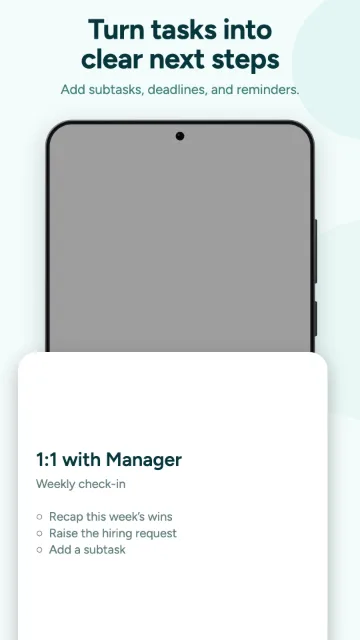
A fresh to-do set: a mint-tinted ground with soft cropped discs, deep-teal two-line headlines, a punch-hole phone bleeding off the bottom and a floating detail sheet on the last frame.
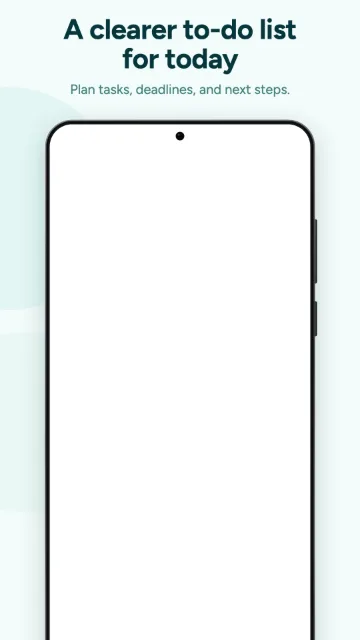
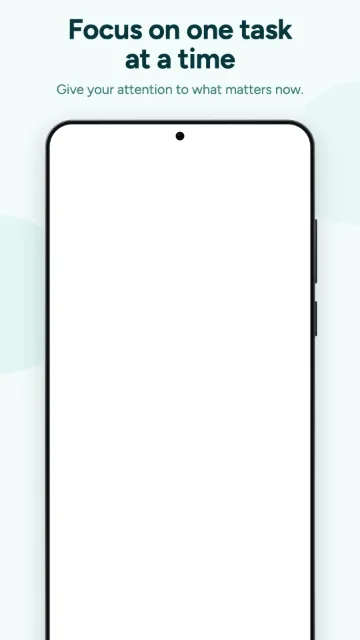
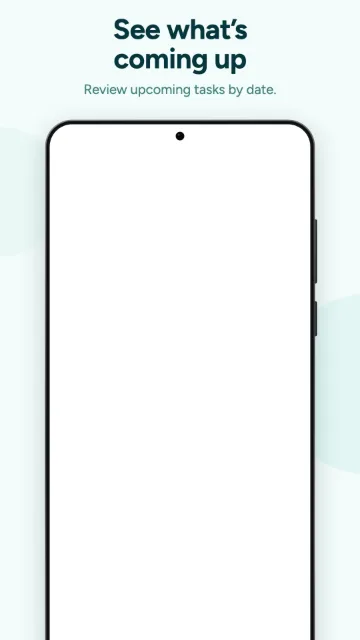
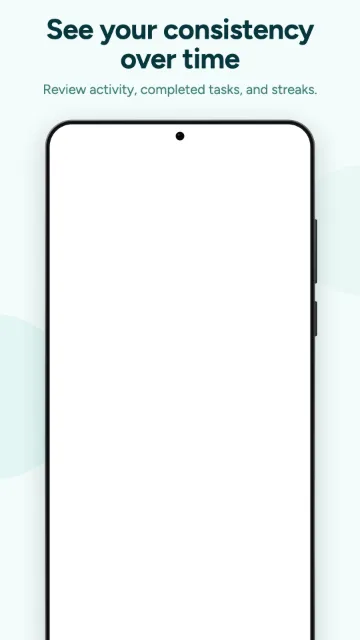
Part of Pro, a one-time licence that is not on sale yet. Terracotta, Pulse and Nova are free today.
Built for
To-do, planner and task-management apps.
What's in the set
| Frames | 5 |
|---|---|
| Price | Pro |
| Exports | Android 1080 × 1920 · iPhone 1290 × 2796 · Tablet 1600 × 2560 |
| You upload | One screenshot per frame. Type, colour and layout are already set. |
How to use it
- Open it in the editor
The button below opens ExportKit with this set already picked.
- Drop in your screens
One app screen per frame. The image is read in your browser and never uploaded.
- Write your headlines
Swap the sample copy for your own words, one or two lines per frame.
- Export
Pick Android, iPhone or tablet and download every frame as a PNG at the exact store size.
Questions
Is the Mint Productivity template free?
Mint Productivity is a Pro set. Pro is a one-time licence that is not on sale yet. Terracotta, Pulse and Nova are free to use today.
What sizes does Mint Productivity export?
Android at 1080 × 1920, iPhone at 1290 × 2796 and tablet at 1600 × 2560, all PNG. Apple also requires one 1179 × 2556 or 1206 × 2622 iPhone size, which ExportKit does not export yet.
Are my screenshots uploaded?
No. Everything is drawn in your browser. Nothing is uploaded unless you sign in and ask for a backup.