 ExportKit
Terracotta app screenshot template
A warm, editorial set: serif headlines on a textured terracotta ground, with a clean phone frame carrying your screen in every frame.
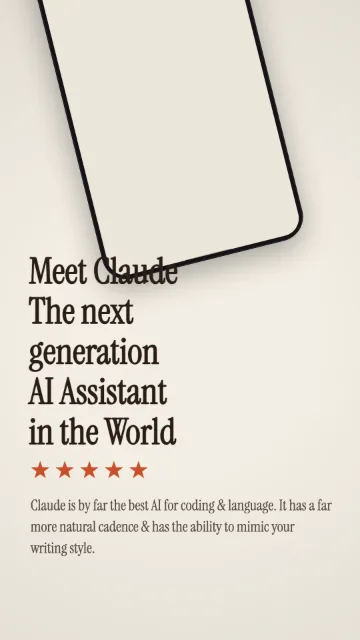
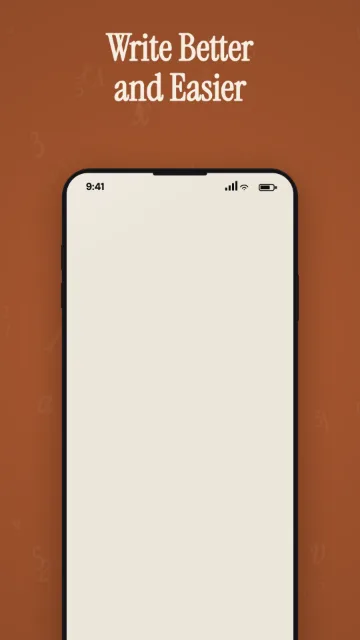
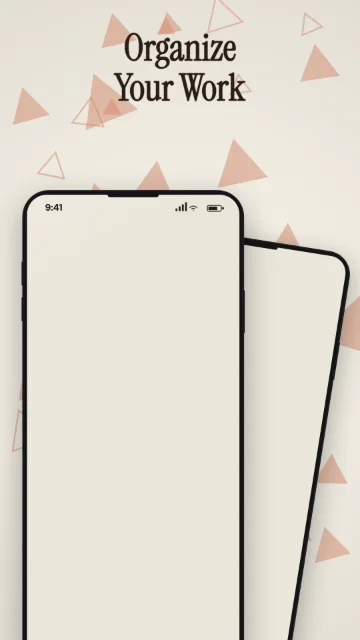
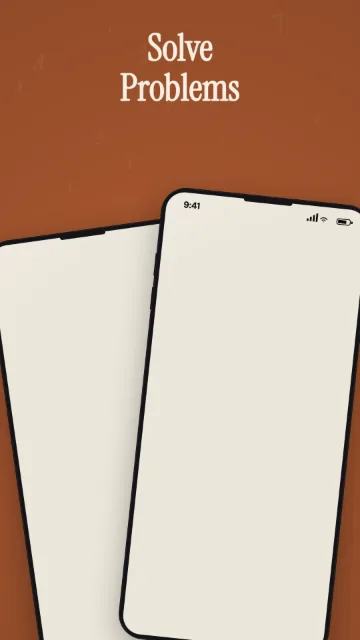
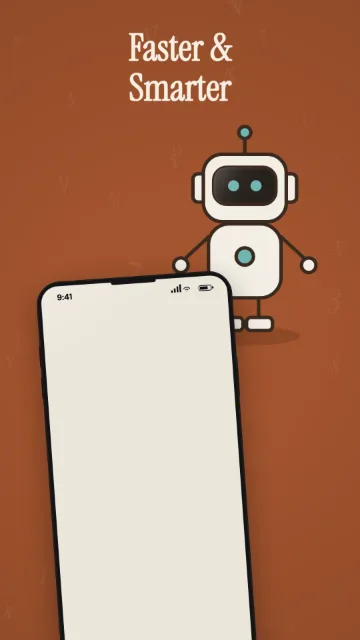
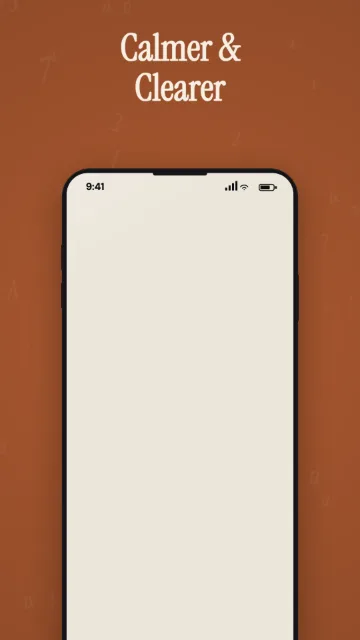
Free, with no watermark and no cap on exports.
Built for
AI assistants, writing tools and productivity apps that want a calm, editorial look.
What's in the set
| Frames | 6 |
|---|---|
| Price | Free |
| Exports | Android 1080 × 1920 · iPhone 1290 × 2796 · Tablet 1600 × 2560 |
| You upload | One screenshot per frame. Type, colour and layout are already set. |
How to use it
- Open it in the editor
The button below opens ExportKit with this set already picked.
- Drop in your screens
One app screen per frame. The image is read in your browser and never uploaded.
- Write your headlines
Swap the sample copy for your own words, one or two lines per frame.
- Export
Pick Android, iPhone or tablet and download every frame as a PNG at the exact store size.
Questions
Is the Terracotta template free?
Yes. Terracotta is one of the three free sets, with no watermark and no cap on exports. You can start without an account.
What sizes does Terracotta export?
Android at 1080 × 1920, iPhone at 1290 × 2796 and tablet at 1600 × 2560, all PNG. Apple also requires one 1179 × 2556 or 1206 × 2622 iPhone size, which ExportKit does not export yet.
Are my screenshots uploaded?
No. Everything is drawn in your browser. Nothing is uploaded unless you sign in and ask for a backup.