ExportKit
Comparison
Free App Store and Play Store screenshot tools, compared
Every tool in this category says "free" on the tin. The useful question is what the free tier allows before it asks for a card: how many screens, how many exports, whether the file is watermarked, and whether your unreleased app screens have to be uploaded first.
What's in this article
In every tool here the editor is free. What differs is the file at the end: a cap on screens, a cap on exports, a watermark, an expiring pass, or an account before you see anything.
What each free tier allows
Every row below was read from the vendor's own pricing page on the date shown. Nothing here is estimated, and no ranking is implied — if one of these has changed, tell us and it gets re-read.
| Tool | Free tier | Cheapest paid | Observed |
|---|---|---|---|
| ExportKit | Unlimited exports, no watermark, 8 screenshots per set, 3 template sets, no account to start | $70 once, never renewsNot on sale yet | 2026-10-17 |
| AppScreens | "Create up to 5 screens per project", "1 saved project", "No card required" | $8.25/mo, "Billed annually at $99.00" | 2026-10-17 |
| AppLaunchpad | Editor reachable, gates on /auth |
$180/year, or $29/month | 2026-10-14 |
| Previewed | $9.99 one-time pass caps you at 10 exports | $228/year | 2026-10-14 |
| ScreenshotWhale | $14.90 one-time pass expires after 30 days | $9.99/mo ($119.88/year) | 2026-10-14 |
Rows marked 2026-10-14 were read four days before this page was published and their pricing pages render client-side, so treat the vendor's page as the authority. The AppScreens row was re-read on 2026-10-17 and is quoted directly.

The four things worth checking before you start
1. Does it upload your app screens? Most of these are server-rendered, which means unreleased UI leaves your machine to be composited. If that matters to you — pre-launch, NDA'd client work, a finance or health app — it is the first question, not the last. ExportKit renders on a canvas in the browser; the only upload is a backup you press a button for.
2. Is the export capped? A cap on exports is the most common paywall, and it is the one that bites at the worst moment: after you have done the work. Note that a cap costs the vendor nothing to impose when rendering happens on your own device.
3. Is it screenshots only? A listing needs an icon and, on Play, a 1024 × 500 feature graphic too. A screenshot-only tool means two more tools.
4. Does the free tier produce an uploadable file? Watermarked output is a preview, not a deliverable.
Where ExportKit is honestly weaker
ExportKit exports iPhone screenshots at 1290 × 2796, which Apple accepts for large iPhone displays, but not yet at 1179 × 2556 or 1206 × 2622, the size Apple requires at least one of. For an App Store submission that is still a gap, and the sizes you need are documented here. ExportKit also has fewer template sets than the established tools, and the editor needs a desktop screen.
What it does instead: the whole kit rather than screenshots alone — icon at 1024, 512, 192 and 48 px PNG, plus an SVG, the 1024 × 500 PNG feature graphic, and listing text with live counters against each store's real character limits — with nothing uploaded and nothing capped.
Try the free tier without signing up
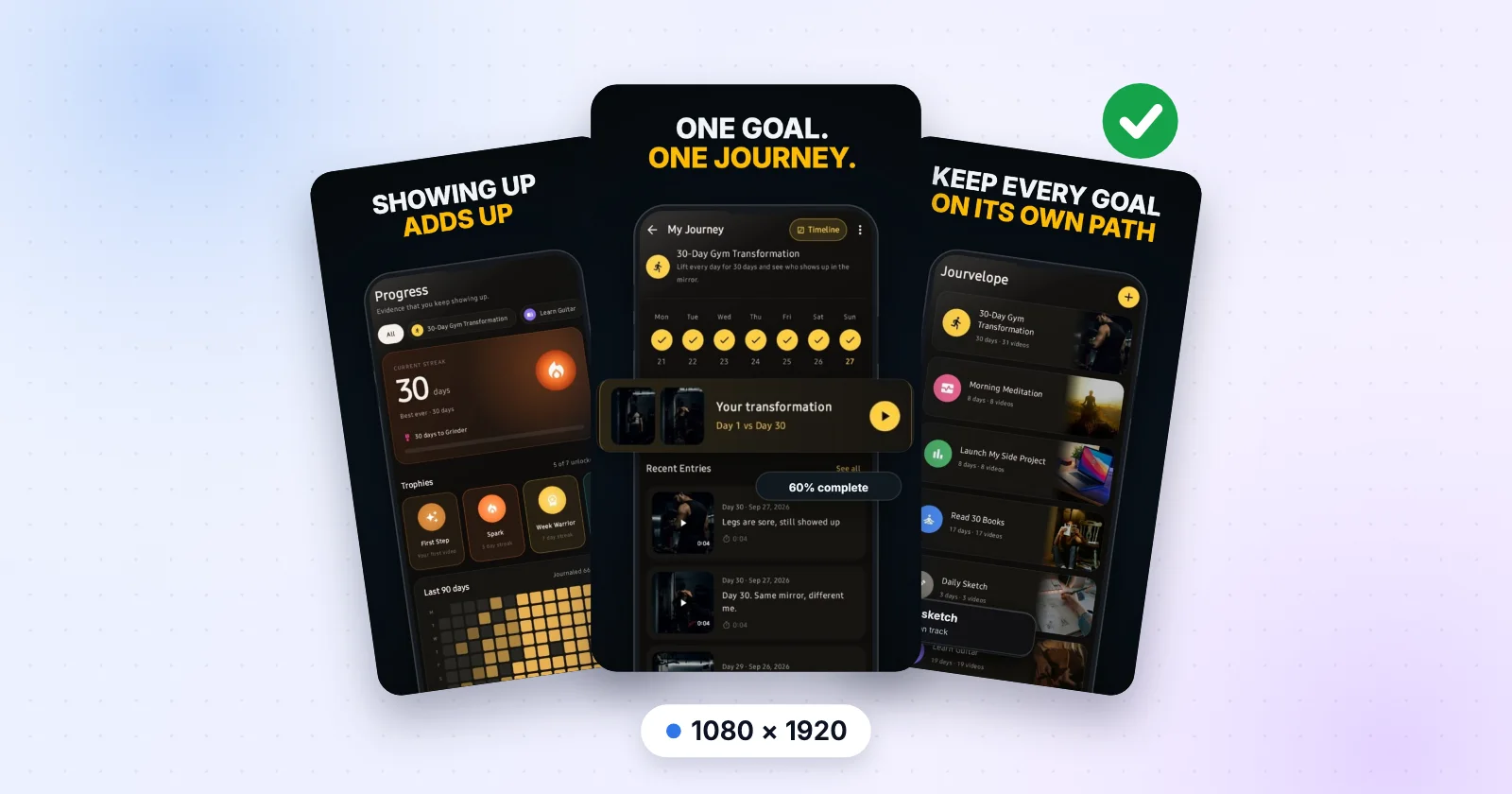
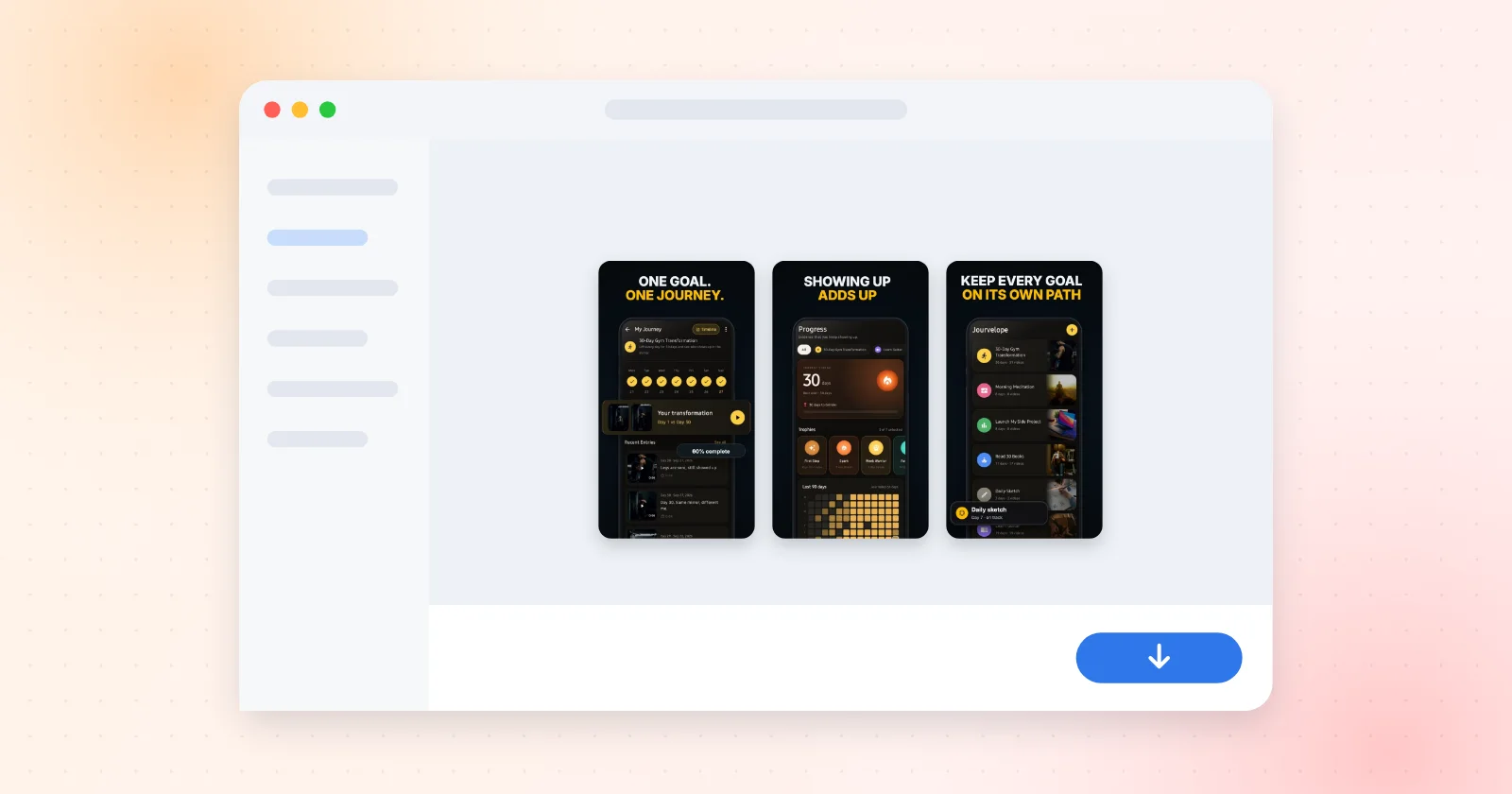
Pick a template set, drop in your app screens and download every file the listing needs, in your browser, with nothing uploaded.
Open ExportKitNo watermark · No export cap · Nothing uploaded unless you ask
Frequently asked questions
Which app store screenshot tool is actually free?
It depends what you mean by free. AppScreens allows 5 screens per project and 1 saved project with no card. Previewed and ScreenshotWhale sell one-time passes that cap exports or expire. ExportKit exports without a watermark or a cap and needs no account to start; it exports Android, iPhone 1290 × 2796 and tablet sizes, but not yet the 1179 × 2556 iPhone size Apple requires.
Do these tools watermark free exports?
It varies and it changes, so check the vendor's own pricing page on the day. ExportKit does not watermark on any tier. AppScreens' pricing page mentions previewing Pro features with watermarks without stating whether free exports carry one.
Do I have to upload my app screenshots to use these tools?
Most are server-rendered, so yes. ExportKit renders everything on a canvas in your browser and uploads nothing unless you sign in and ask for a backup.
Is a one-time payment better than a subscription for this?
For most indie developers a listing is updated a few times a year, so a subscription is paying rent on a tool used in bursts. That is the argument for a one-time licence — though ExportKit's is not on sale yet, so this is a stated intention rather than a product you can buy today.