ExportKit
Comparison
The best Play Store screenshot generator in 2026
I build ExportKit, so take my pick with a pinch of salt. What I can do is put the numbers side by side: what each tool costs, what the free plan really gives you, and which one is the best Play Store screenshot generator for the job you actually have.
What's in this article
- What I actually checked
- Screenhance, Canva, Figma and ExportKit side by side
- Screenhance: the most complete, and you pay for it
- Canva: great for everything except the store's rules
- Figma: full control, and a lot of faff
- ExportKit: free and quick, with fewer templates
- So which is the best Play Store screenshot generator for you?
- Frequently asked questions
If you need a Play Store set out the door this week, a tool built for store screenshots beats a general design tool. Pick Screenhance if you want mockups and video and don't mind paying, ExportKit if you want unlimited exports with no watermark for free, and Figma if you already design your app there. Canva only makes sense if the rest of your marketing lives in it.
What I actually checked
Four things decide whether a tool is the best Play Store screenshot generator for you, and the number of templates on its homepage isn't one of them:
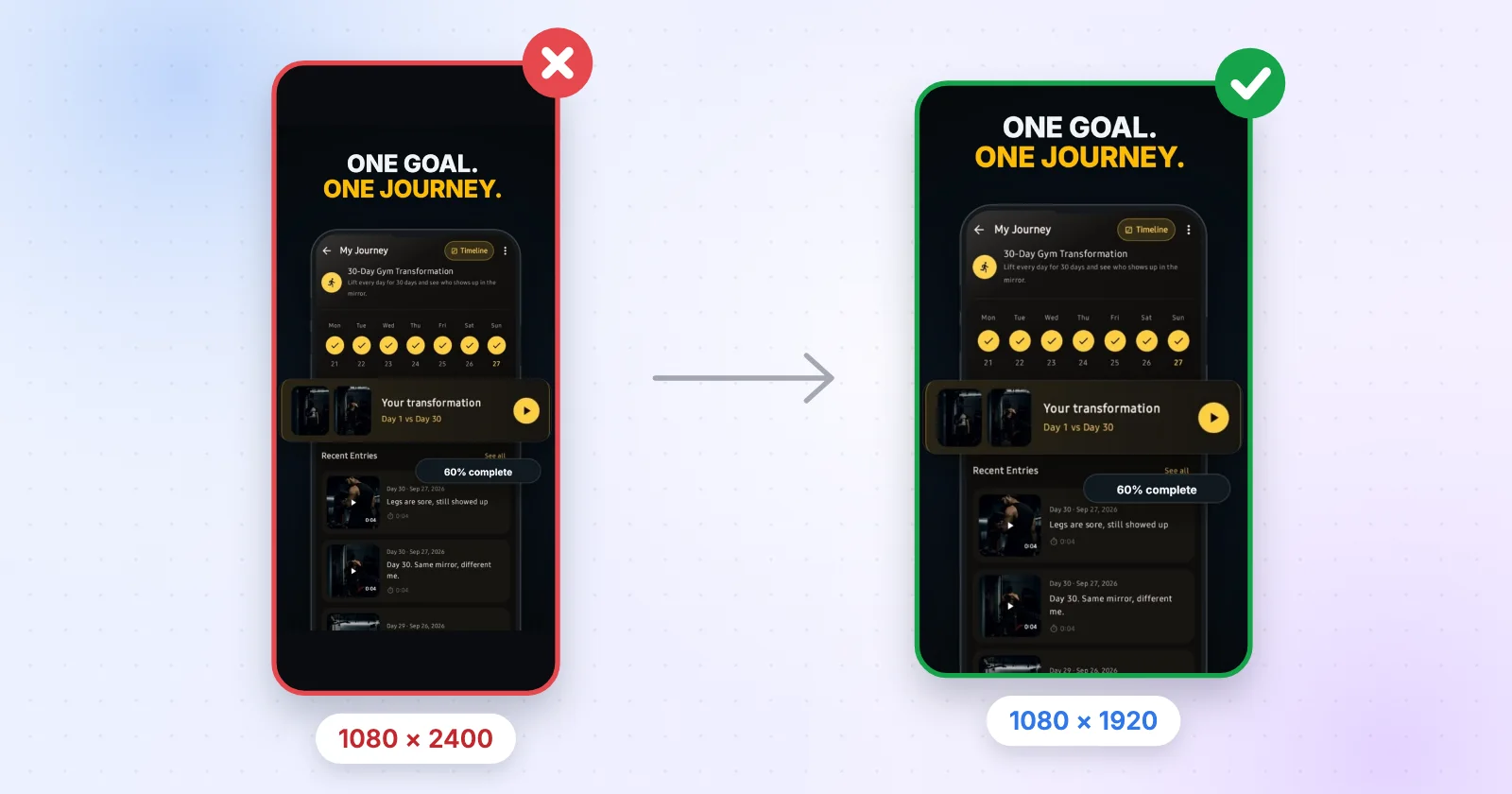
- Does it know Google Play's rules? That's JPEG or 24-bit PNG, 320 to 3840 px per side, and a long side no more than twice the short one.
- What does the free plan really export: how many files, at what resolution, with or without a watermark?
- Can it make the rest of the listing, meaning the icon and the 1024 × 500 feature graphic?
- Do your unreleased app screens get uploaded to someone else's server?
I read every price below from the vendor's own pricing page on 2 November 2026. If one has moved since, the vendor's page wins.
Screenhance, Canva, Figma and ExportKit side by side
| Tool | Free plan | Paid | Store sizes |
|---|---|---|---|
| Screenhance | 3 exports a month, PNG at 1x, "Made with Screenhance" watermark | $6 Launch Pass once, or Pro at $12 a month ($99 a year) | Builds App Store and Google Play sets |
| Canva | Free plan, custom sizes | Canva Pro subscription; the US price changed more than once in 2026 | You type the size in yourself |
| Figma | Starter plan, unlimited drafts | Professional full seat at $16 a month | You set every frame yourself |
| ExportKit | Unlimited exports, no watermark, 3 template sets, no account to start | $70 once, not on sale yet | Android 1080 × 1920, iPhone 1290 × 2796, tablet 1600 × 2560 |
Screenhance: the most complete, and you pay for it
Screenhance is what I'd point you at if your launch needs more than store screenshots. It does device mockups, website and social graphics, motion templates and demo videos, and it builds App Store and Google Play screenshot sets from one design. If you're doing a Product Hunt launch with a video, that's four tools squashed into one, and that's worth real money.
The catch is the free plan. You get three exports a month, PNG only, at 1x, and every image has a small "Made with Screenhance" mark in the corner. That's fine for kicking the tyres and a dealbreaker for a real listing, so budget for the $6 Launch Pass or Pro at $12 a month. To their credit, their pricing page spells all of this out.
Canva: great for everything except the store's rules
I get why you'd reach for Canva. You already have an account, your brand colours are in there, and it's brilliant for social posts. For Play screenshots it's fiddly. Canva doesn't know Google Play's size or aspect-ratio rules, so you type 1080 × 1920 into a custom design, line a phone frame up by hand, and do it again for every screen. Watch the export too: a PNG with a transparent background gets bounced by Play.
Canva Pro is a subscription and its US price moved more than once this year, so check canva.com before you budget for it. If Canva is where you're stuck right now, I wrote up a Canva alternative for app store screenshots with the exact steps.
Figma: full control, and a lot of faff
If you design your app in Figma, making the screenshots there is the natural move. There are decent free community templates, you can keep the components in sync with your real UI, and the free Starter plan is plenty for this. A Professional full seat is $16 a month if you need more.
What Figma won't do is think about the store for you. You set the frames to 1080 × 1920, or 1290 × 2796 for iPhone, place every screen and export each frame at 1x. If you're a designer that's an hour. If you're not, the free tool costs you an afternoon.
ExportKit: free and quick, with fewer templates
Now my own tool, starting with where it's weaker. ExportKit has fewer templates than Screenhance, no motion or video, no photo-style mockup scenes and no translation of your captions, and it wants a desktop screen. If you need any of that, it isn't your pick.
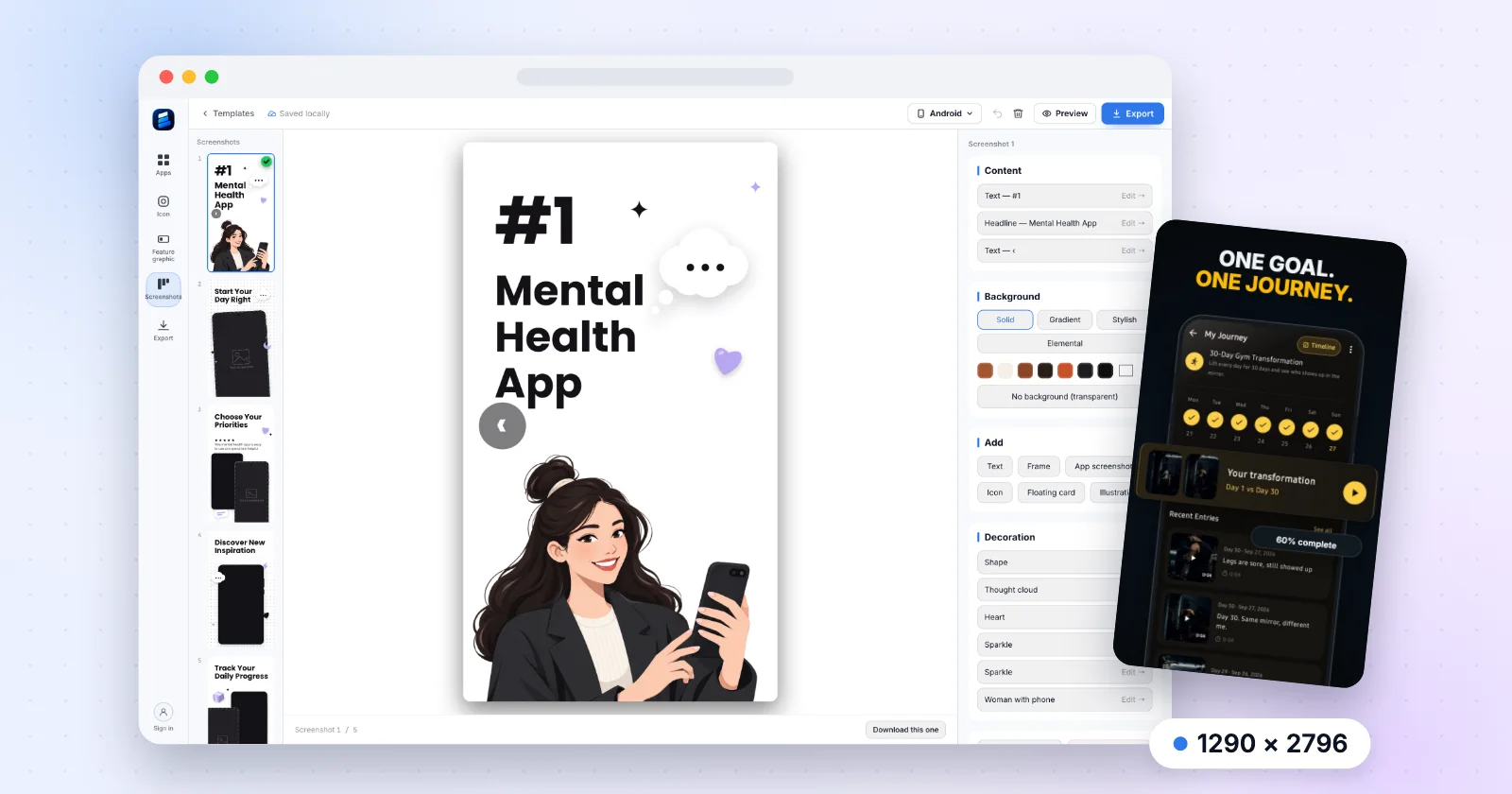
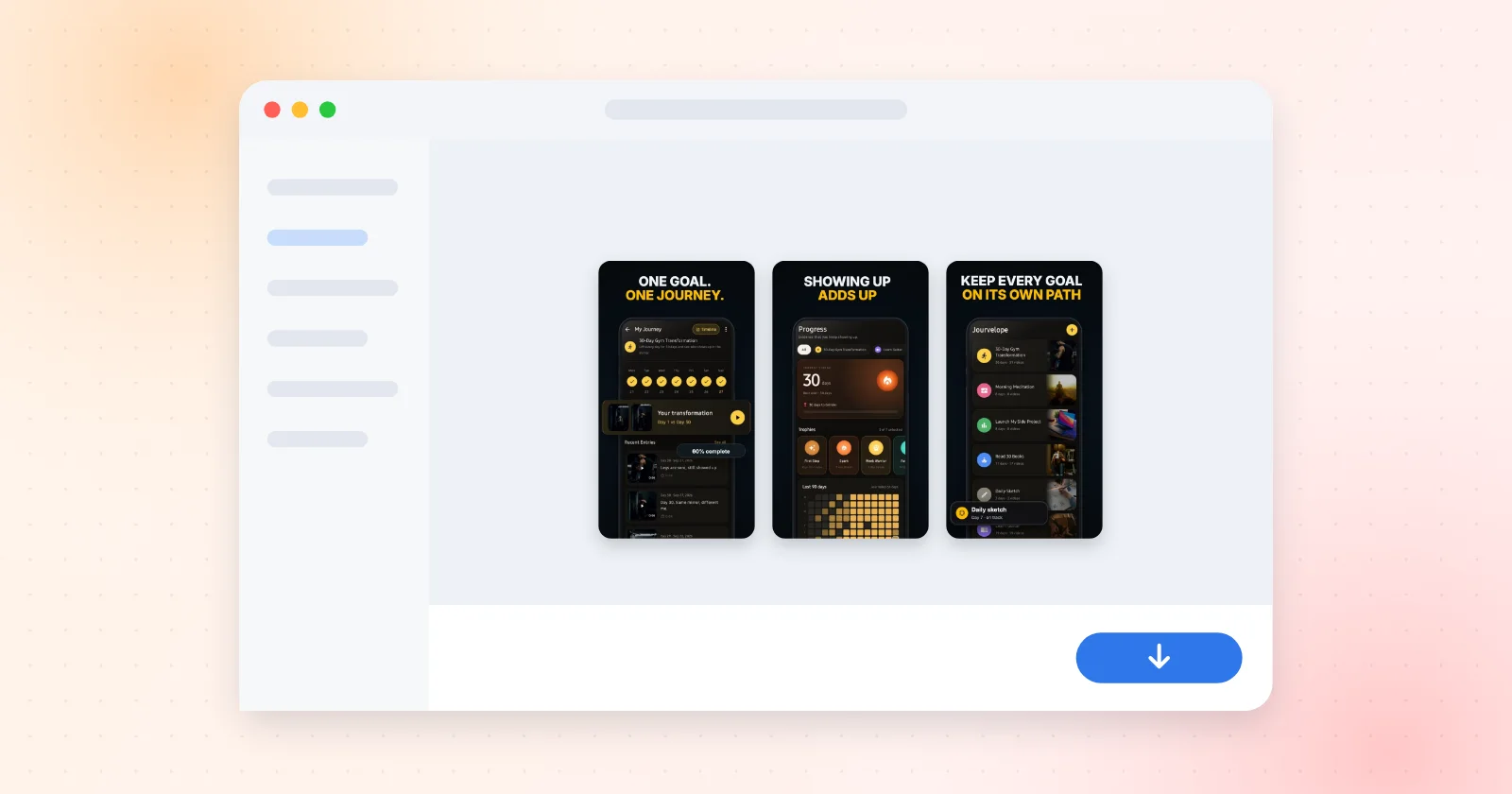
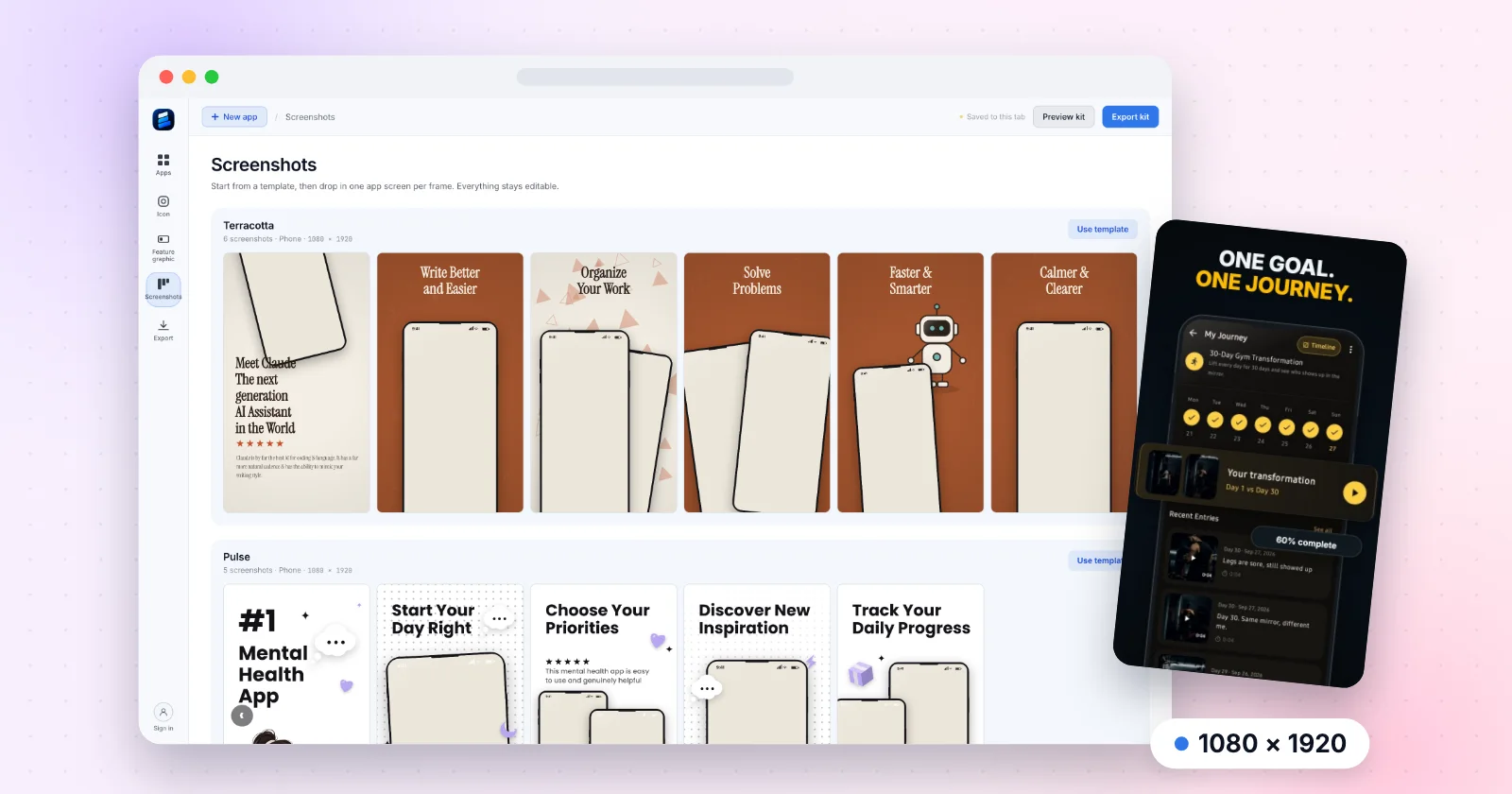
What it does: you open the screenshot editor, pick one of the three free template sets, drop in your screens and export. Android screenshots come out at 1080 × 1920, iPhone at 1290 × 2796 and tablet at 1600 × 2560, with no watermark and no cap on exports. The 1024 × 500 feature graphic and the app icon set come from the same project and land in the same zip. It all renders in your browser, so your unreleased screens never leave your laptop.

So which is the best Play Store screenshot generator for you?
- You're launching with a video and mockups and have a budget: Screenhance.
- You already design in Figma and enjoy pushing pixels: Figma with a community template.
- Your whole brand kit lives in Canva and you need two quick screenshots: Canva, carefully.
- You want a full set today, free, with no watermark: ExportKit. Yes, it's mine.
Whatever you pick, check the files against Google Play's screenshot sizes before you upload. And if Play has already bounced a file, here's why Play Store screenshots get rejected and how to fix each cause.
Try it on your own screens
Pick a template set, drop in your app screens and download every file the listing needs, in your browser, with nothing uploaded.
Open the screenshot editorFree · No watermark · No account to start
Frequently asked questions
What is the best Play Store screenshot generator?
It depends on what else you need. Screenhance is the most complete if you also want mockups and launch videos, and it's paid for real use. ExportKit exports full Play Store sets free with no watermark. Figma suits you if you already design your app there.
Is there a free Play Store screenshot generator with no watermark?
Yes. ExportKit exports Android screenshots at 1080 × 1920 with no watermark and no export cap, and you can start without an account. Screenhance's free plan adds a small watermark and allows three exports a month.
Can I make Play Store screenshots in Canva or Figma?
You can, but neither knows Google Play's rules. You set the 1080 × 1920 size yourself, place a device frame by hand and make sure the PNG has no transparency, or Play rejects it.
What size should Play Store screenshots be?
1080 × 1920 is the usual portrait size. Google Play accepts 320 to 3840 px per side as long as the long side is no more than twice the short side.