ExportKit
Problem
Play Store screenshot rejected? Here's why, and how to fix it
You've done the work, you hit upload in Play Console, and it refuses the file. I've hit every one of these myself. Almost every Play Store screenshot rejected at upload comes down to five rules, and each one takes a couple of minutes to fix.
What's in this article
- The rules Play checks when you upload
- 1. The screenshot is too tall
- 2. The PNG has transparency
- 3. It's too small, or far too big
- 4. Not enough screenshots, or the wrong slot
- 5. It's the feature graphic, not a screenshot
- Why this keeps happening
- Play Store screenshot rejected? My two-minute check
- Frequently asked questions
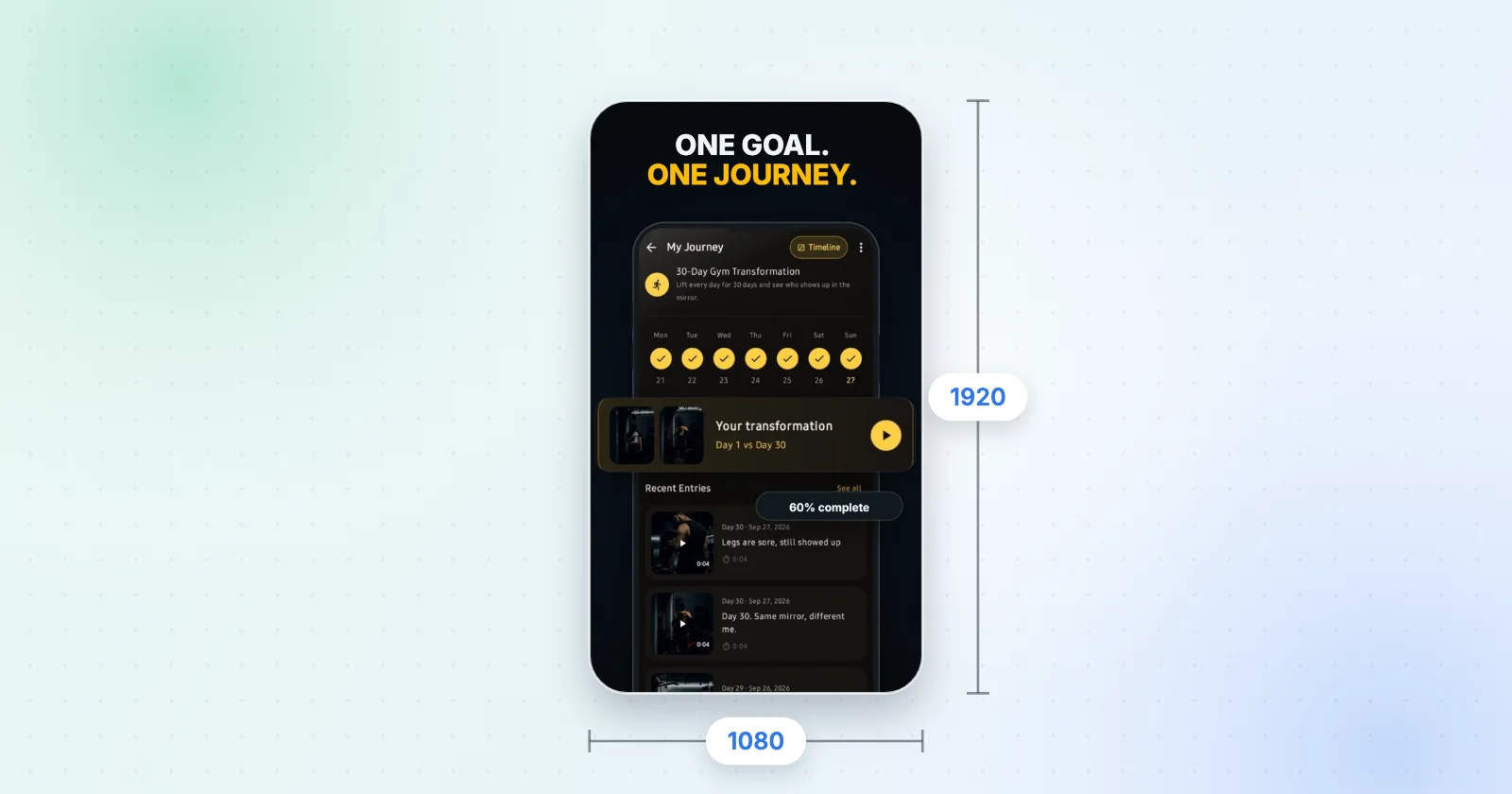
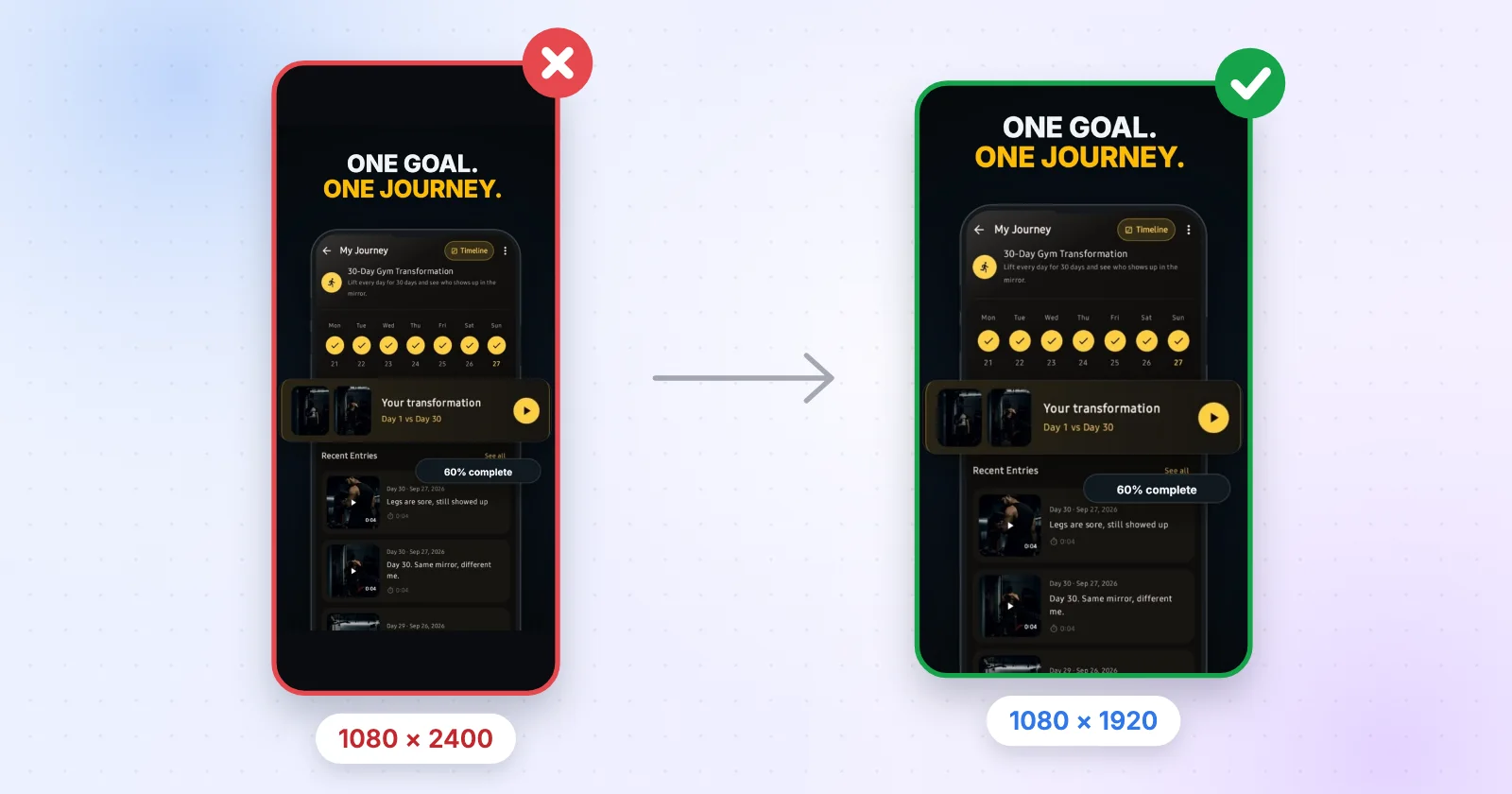
Most Android phones save screenshots at 20:9, like 1080 × 2400. That's 2.22 times taller than it is wide, and Google Play only accepts a long side up to twice the short side. Put the screen in a 1080 × 1920 frame, or crop it to 9:16, and it goes through.
The rules Play checks when you upload
Before the causes, here's what Play Console Help actually asks for. The rest of what you read online is advice. These are the rules that reject a file:
| Rule | Value |
|---|---|
| Format | JPEG or 24-bit PNG, no alpha |
| Each side | 320–3840 px |
| Aspect ratio | Long side ≤ 2 × short side |
| How many | 2 to publish, 8 per device type at most |
Source: Play Console Help — Graphic assets, screenshots & video. Read on 17 October 2026.
1. The screenshot is too tall
This is the one I see most. You grab a screenshot on your phone, upload it as-is, and Play says no. A lot of Android phones capture at 1080 × 2400, and 2400 ÷ 1080 is 2.22, which is over the 2:1 limit. Raw iPhone captures are too tall for Play as well: 1179 × 2556 works out at 2.17.
The fix is to stop uploading raw captures. Either crop to 9:16 or put the screen inside a 1080 × 1920 frame, which is all a screenshot generator really does. I'd rather frame it, because a crop chops off your status bar or your bottom navigation, and that's usually the part that shows what the app is.

2. The PNG has transparency
Play wants JPEG or 24-bit PNG. A PNG with an alpha channel, which is a 32-bit PNG, gets refused even if every pixel looks solid to you. Figma, Canva and most export dialogs hand you a transparent PNG if the frame has no fill, so this one sneaks up on people a lot.
Give the frame a solid background or export as JPEG. On a Mac, open the file in Preview, choose Export, untick Alpha and save. In ExportKit, skip the "No background (transparent)" option for a Play screenshot. It's there for other jobs.
3. It's too small, or far too big
Each side has to be between 320 and 3840 px. Too small usually means a thumbnail you saved from Slack or a scaled-down preview. Too big usually means a 2x or 3x export from a design tool: a 1290 × 2796 frame exported at 2x is 2580 × 5592, and 5592 is way over 3840. Export at 1x and you're fine.
4. Not enough screenshots, or the wrong slot
You need at least two screenshots, across device types, before Play lets you publish, and you can add up to eight for each device type. Tablet screenshots go in the tablet slots, where Play takes 1080 to 7680 px. Phone-shaped art dropped in there might get through, but it looks half-finished on a tablet.
5. It's the feature graphic, not a screenshot
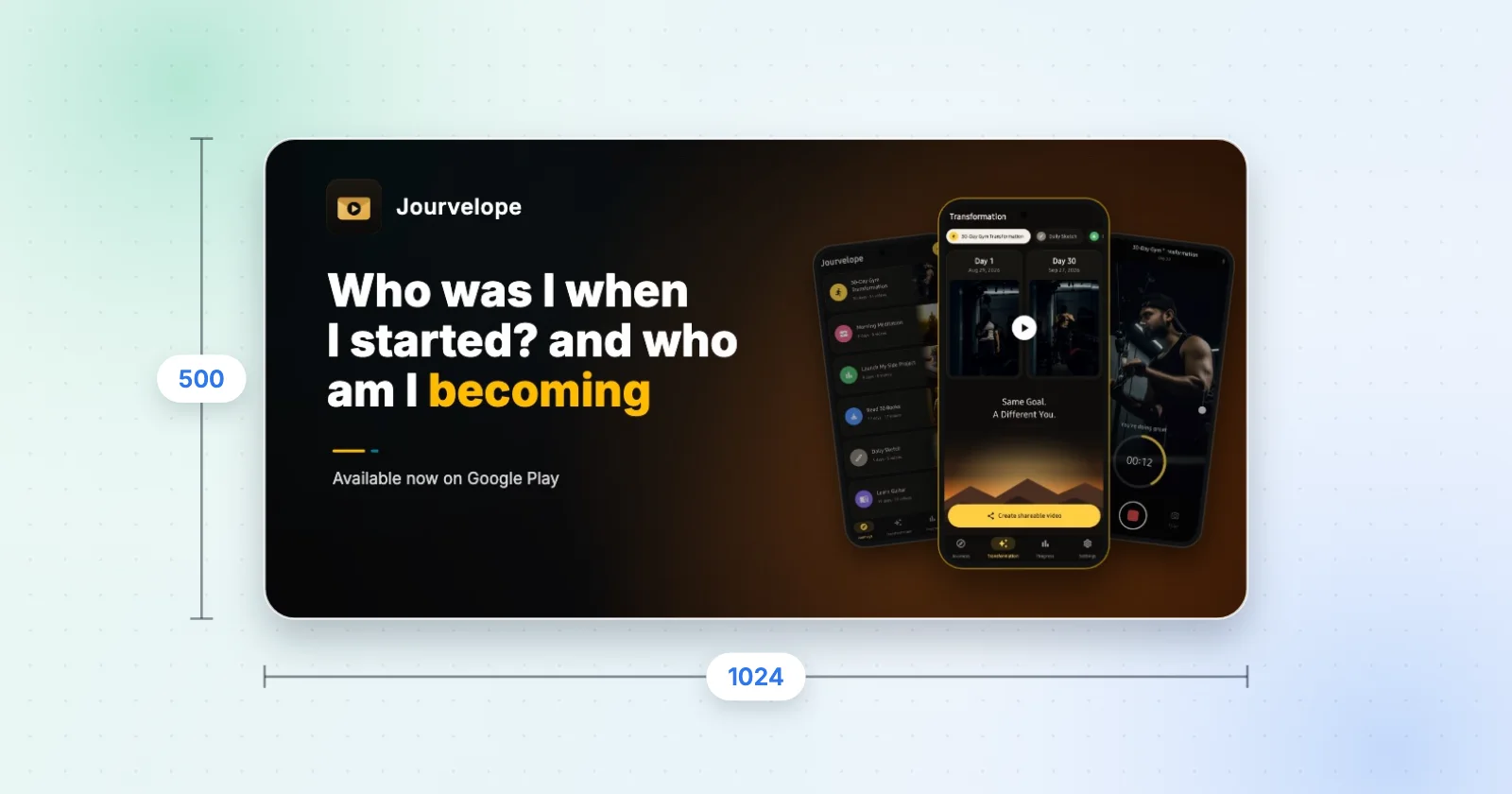
Sometimes the error is on the banner. The feature graphic has to be exactly 1024 × 500, JPEG or 24-bit PNG, with no alpha. A 1024 × 512 or 1200 × 600 file is refused outright. The feature graphic size guide has the details, and the feature graphic generator is locked to the one size Play takes.
Why this keeps happening
Phones got taller and the store rule didn't. Most phones today have screens somewhere around 19.5:9 to 20:9, so a straight capture is taller than Play allows, even though it looks completely normal on your phone.
Your design tool is trying to help, too. Transparent backgrounds and sharp 2x exports are the right defaults when you're designing app UI. For a store upload they're exactly wrong. And Play Console checks the file, not how it looks, so a screenshot that looks perfect on your screen can still bounce.
If you're shipping to the App Store as well, don't reuse the Play files. Apple wants its own sizes: an iPhone set at 1290 × 2796 is one it accepts, and ExportKit exports that from the same project when you switch the device to iPhone. Apple also wants at least one screenshot at 1179 × 2556 or 1206 × 2622, which ExportKit doesn't export yet. The App Store screenshot sizes page has the full table.
Play Store screenshot rejected? My two-minute check
- Read the pixels
Get Info on a Mac, or Properties on Windows. Write down width and height.
- Divide long by short
If the answer is over 2, that's your problem. 1080 × 1920 is 1.78.
- Check both sides
Each one between 320 and 3840 px.
- Kill the alpha
Re-export as JPEG, or as PNG with Alpha unticked.
- Count them
Two or more to publish, eight at most per device type.
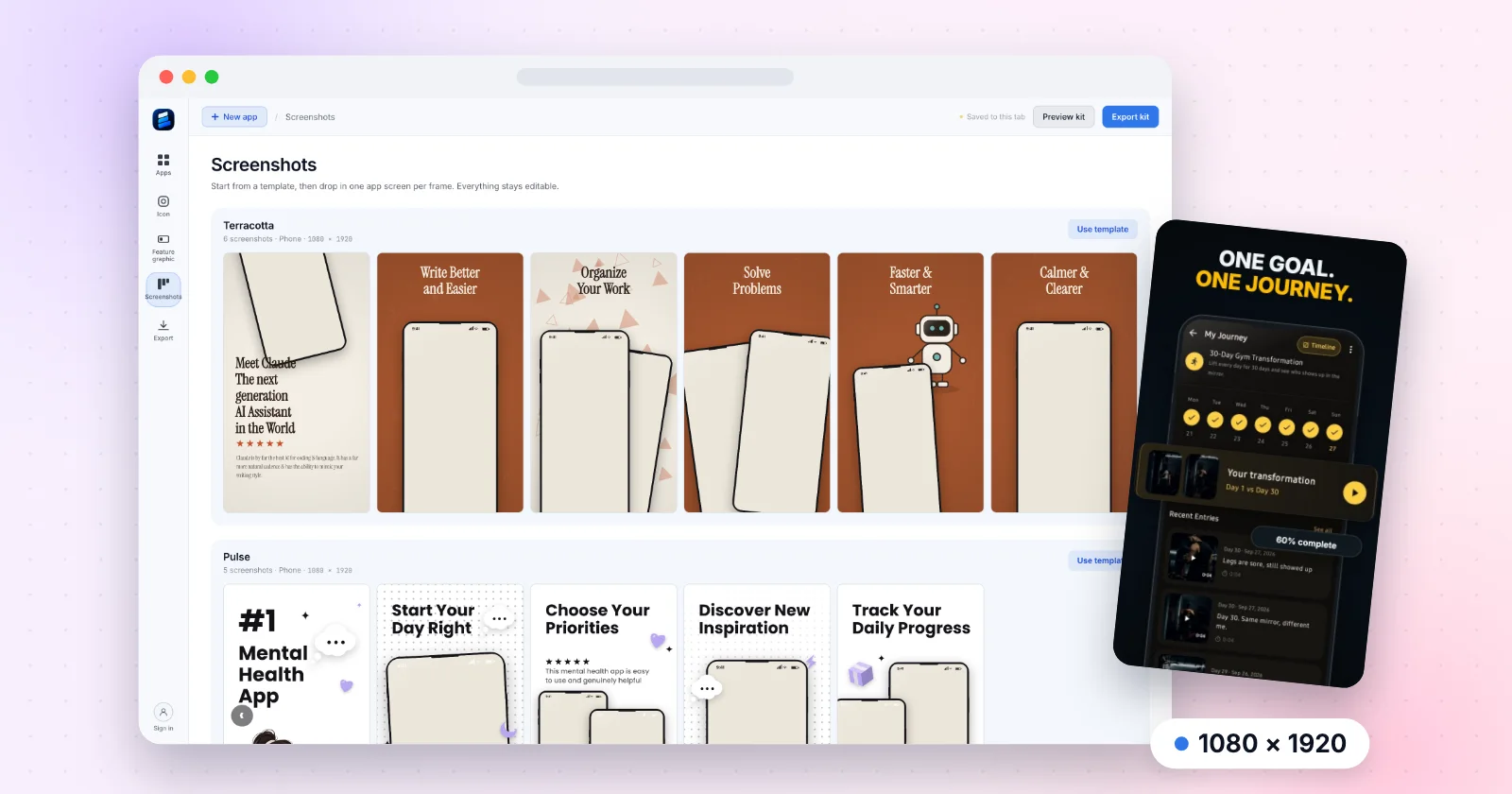
If you'd rather not think about any of this again, use a tool that only exports valid sizes. That's why I built ExportKit's Play Store screenshot generator around 1080 × 1920. The full spec lives on the Google Play screenshot sizes page, and if you're still choosing a tool, I compared the best Play Store screenshot generator options for 2026. Next time you see a Play Store screenshot rejected message, it'll take you two minutes, not an evening.
Export sizes Play accepts
Pick a template set, drop in your app screens and download every file the listing needs, in your browser, with nothing uploaded.
Open the screenshot editor1080 × 1920 · No watermark · Nothing uploaded
Frequently asked questions
Why was my Play Store screenshot rejected?
Usually because it's too tall. Google Play only accepts a long side up to twice the short side, and raw phone captures like 1080 × 2400 are 2.22 times taller than wide. A transparent PNG, a side under 320 px or over 3840 px, or a wrong-size feature graphic are the other common causes.
What aspect ratio does Google Play accept for screenshots?
Any ratio where the long side is no more than twice the short side. 9:16 portrait and 16:9 landscape are both well inside it, which is why 1080 × 1920 is the usual choice.
Does Google Play accept PNG screenshots with transparency?
No. Play asks for JPEG or 24-bit PNG with no alpha channel. Re-export with a solid background, or as JPEG.
Can I upload iPhone screenshots to Google Play?
Not raw ones. An iPhone capture at 1179 × 2556 is 2.17 times taller than wide, over Play's 2:1 limit. Frame it at 1080 × 1920 first.